Open and start
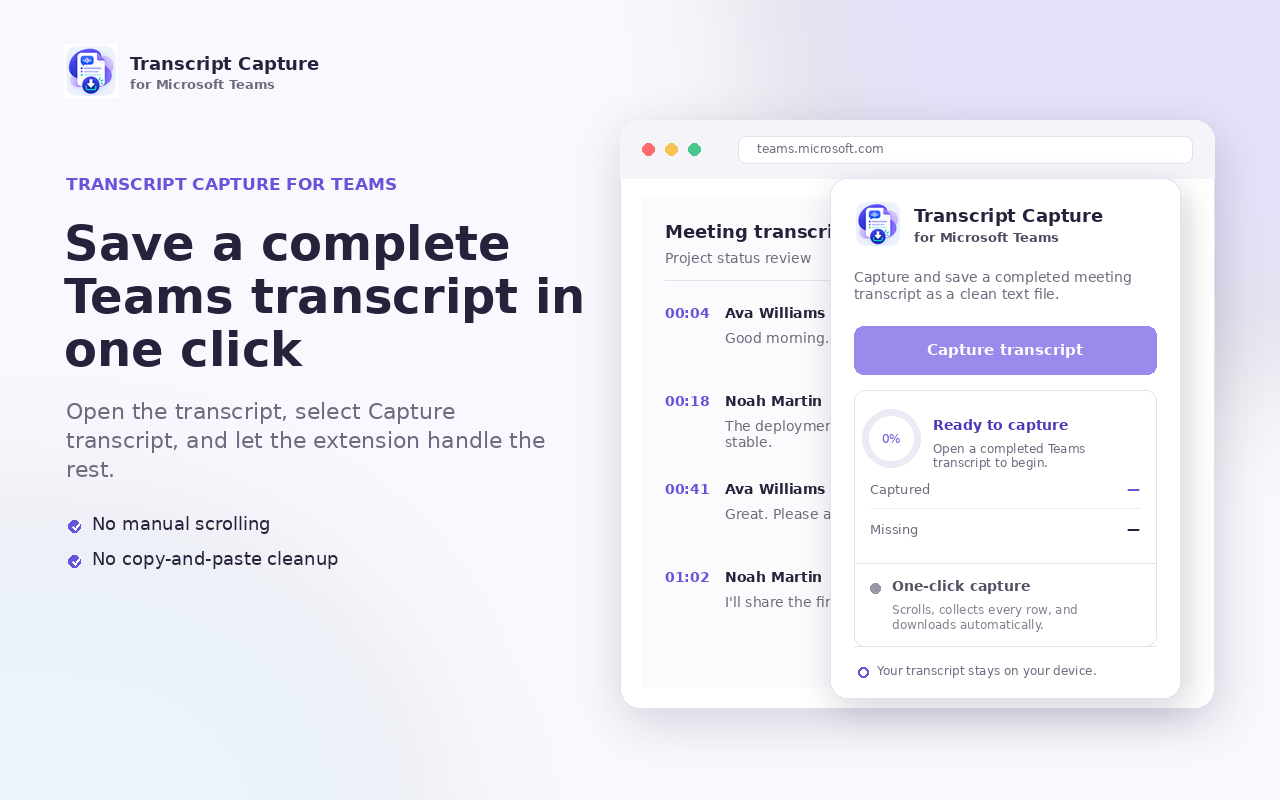
Open a completed Teams meeting transcript on the web, click the extension, and select Capture transcript.
Browser extension for Microsoft Teams
Capture an open Microsoft Teams transcript, verify that every row was found, and download a clean plain-text file—without sending the meeting anywhere.

--- Transcription started: Monday, Sept 7, 2026 ---

[10:02:14 AM] Alex Chen
Let's verify that everyone has reviewed the architectural specifications before rollout.

[10:02:40 AM] Sarah Miller
Yes, all pre-flight test suites and coverage reports have passed.

[10:03:05 AM] David Ross
Ready on my end as well. All regional backups are completed.Simple by design
The extension handles Teams’ virtualized transcript list and verifies complete row coverage before saving.
Open a completed Teams meeting transcript on the web, click the extension, and select Capture transcript.
Auto-capture scrolls through the transcript in both directions, tracking every rendered row to ensure zero omissions.
Automatically saves ordered speaker names, timestamps, and speech as a clean, readable UTF-8 text file.
Built for real meeting workflows
Microsoft Teams virtualizes long transcripts to conserve memory, keeping only visible lines in the browser DOM. Transcript Capture automatically scrolls the container, stitches together all rows, and verifies 100% coverage before downloading.